DLAA – DLSS Injection Mod v0.13 (1.61.x) Mod
DLAA – DLSS Injection Mod for ATS and ETS2 – this is an unofficial fan-made NVIDIA DLAA and DLSS injection mod (dinput8.dll) for Euro Truck Simulator 2 and American Truck Simulator. It replaces the game’s own anti-aliasing with high-quality DLAA at native resolution and supports DLSS upscaling for higher frame rates. Works on flat screens and in VR (OpenXR), with Windows HDR support. Requires an NVIDIA RTX GPU.
Features DLAA / DLSS Injection Mod:
– 🖼️ Full-picture DLAA / DLSS (no shimmer on fences, wires, road marks, shadows)
– 🪞 Mirrors also anti-aliased (including trailer)
– 🚗 Exact motion vectors for traffic, wheels, trailers and plates (sharp, no ghosting)
– 📺 Menu and truck-preview screens also get anti-aliasing
– 🔄 Four DLSS models (switchable live)
– 🔍 Sharper texture text + adjustable sharpening
– 🖥️ Flat + VR support (one DLL / one config)
– 📺 Triple-screen support in flat mode
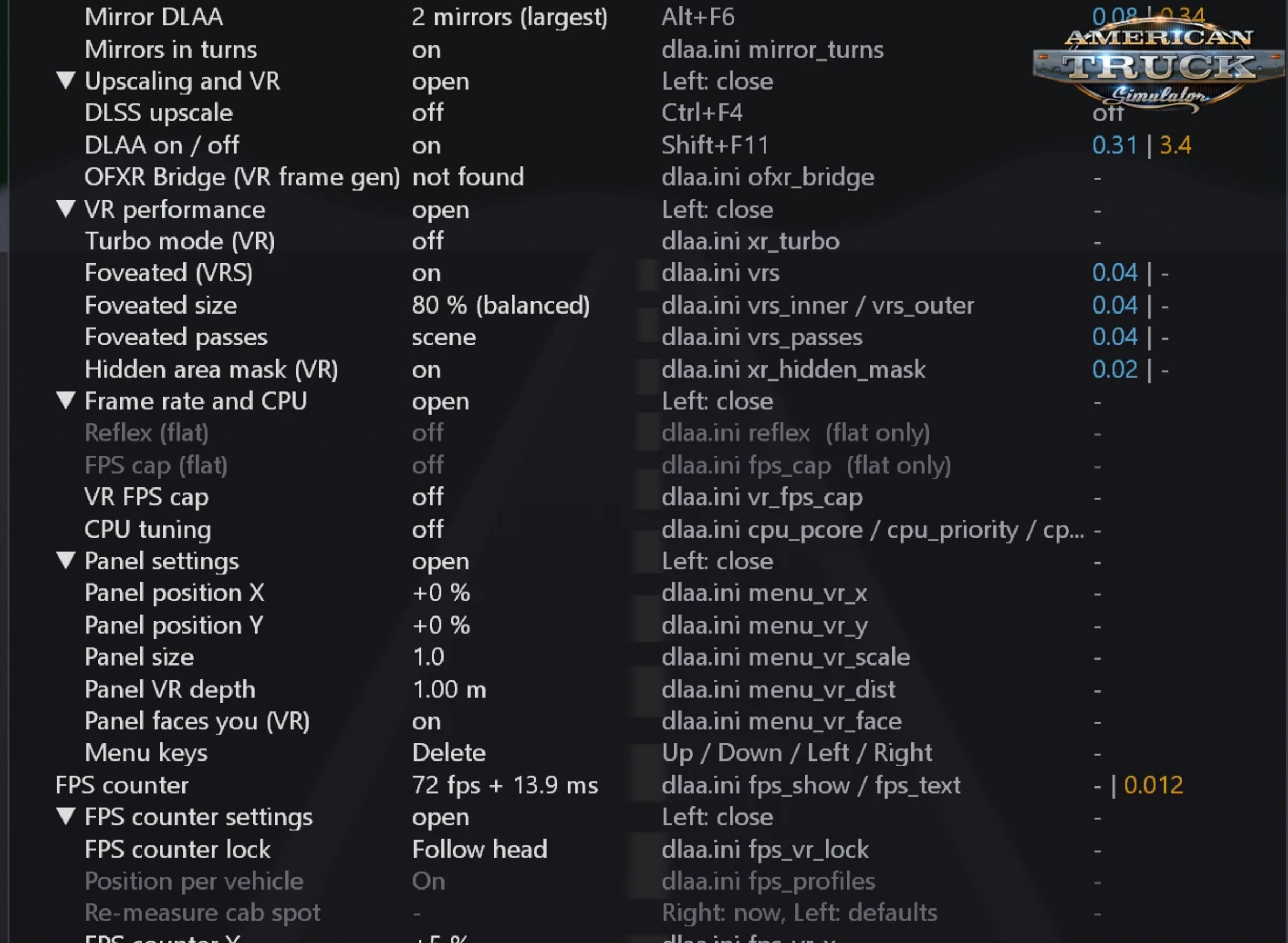
– 🥽 VR extras: hidden area mask, foveated rendering, mirrors in turns, Turbo mode
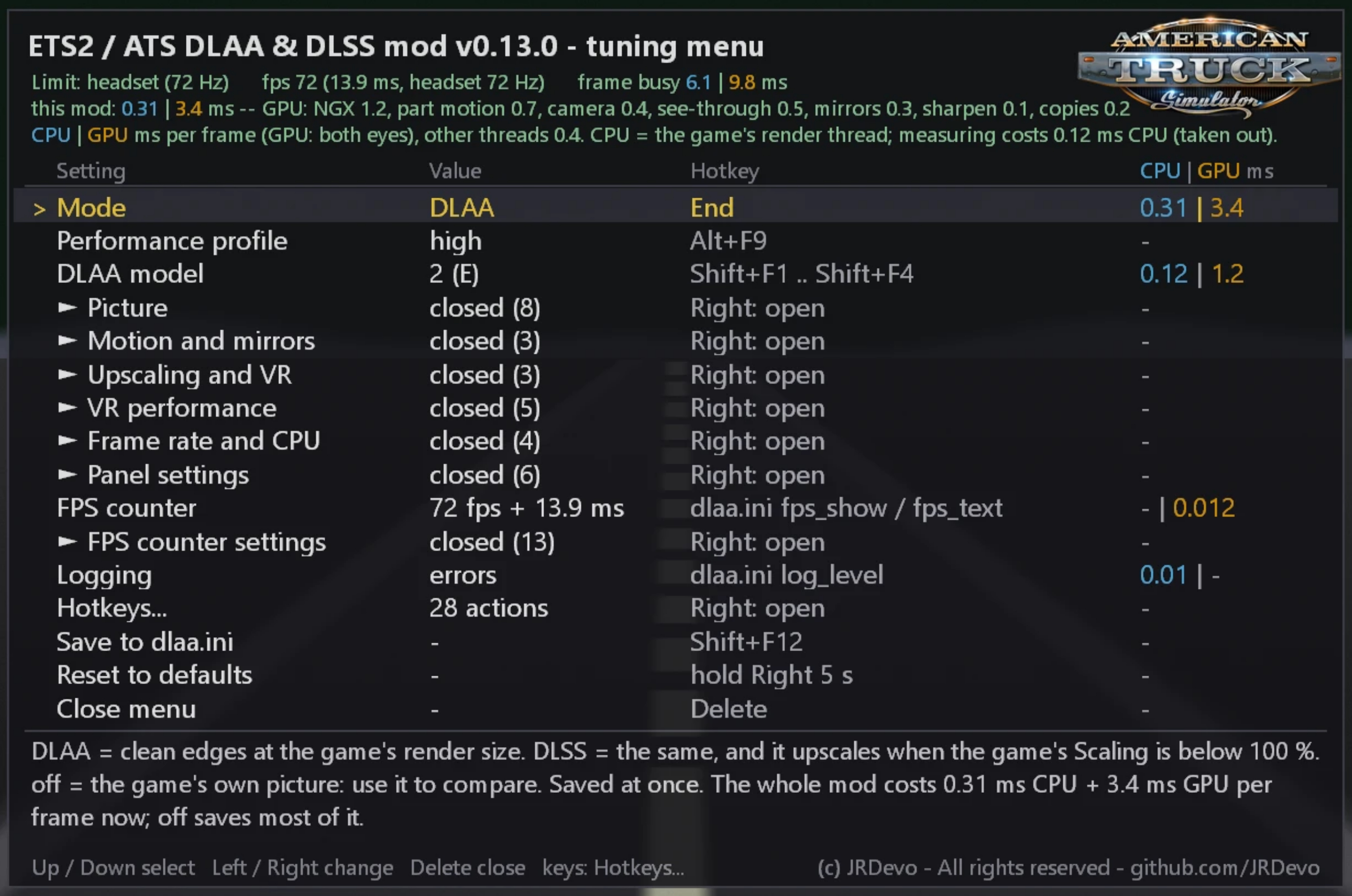
– 📊 In-game tuning menu (Delete key) with live CPU/GPU cost per feature
– 🏳️ Movable/resizable panel and FPS counter
– ⚡ NVIDIA Reflex + FPS caps (flat) / half or third rate FPS cap (VR)
– 🧠 Optional CPU tuning (P-cores, priority, no power throttling)
– 🌙 Night light glow ghosting fix
– 💡 Lit areas under canopies no longer flicker
– 🔑 Hotkeys page (rebind everything in-menu)
– 📦 Single dinput8.dll – easy install/uninstall
Changes in v0.13:
– 🔄 Added NVIDIA Reflex and frame rate caps (flat + VR)
– 🔄 New Hotkeys page in the menu (bind keys with one press)
– 🔄 VR FPS box is now per-vehicle (saved on the cab, survives menus/recentring)
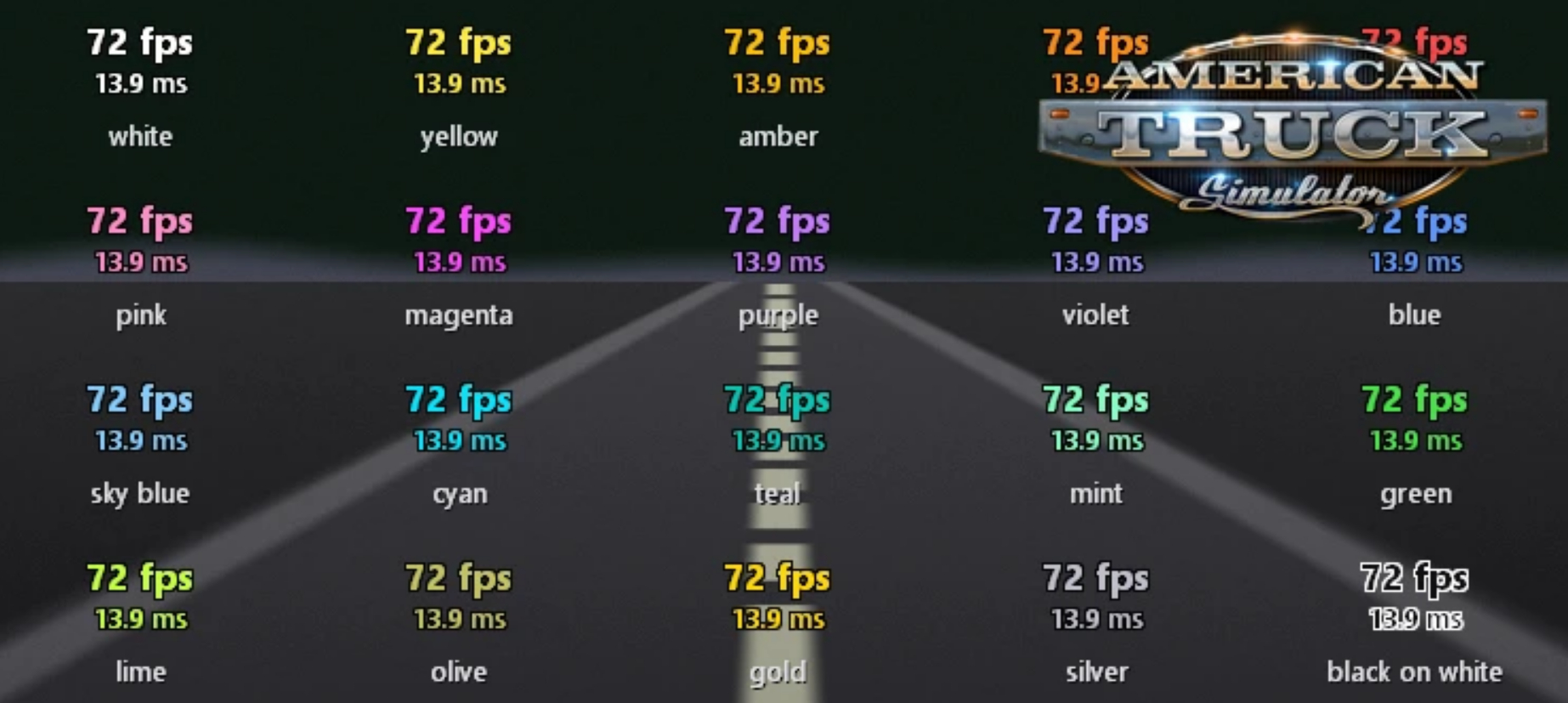
– 🔄 FPS text has 7 display choices
– 🔄 Optional CPU tuning
– 🔄 Night light glow ghosting fix (Light glow ghosting fix / dlss_bias_mask)
– 🔄 Fixed flickering lit areas under canopies (light_redraw_jitter)
– 🔄 Linux / Proton fixes (no extra runtime needed, prebuilt shaders)
– 🔄 Various small fixes and menu improvements
Requirements:
– ETS2 or ATS (64-bit, DirectX 11)
– NVIDIA RTX GPU + current drivers
– nvngx_dlss.dll (not included – place it yourself)
Installation:
– Place `dinput8.dll` (and optionally `dlaa.ini`) into the game’s `binwin_x64` folder. Delete the DLL to uninstall.
🎮 Tested on game version 1.61.x